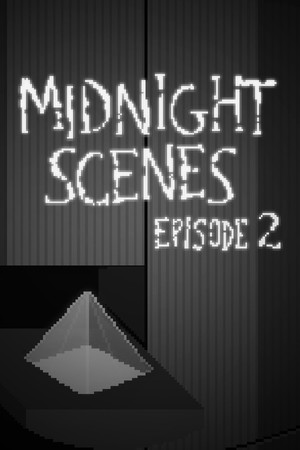


Information / Synopsis
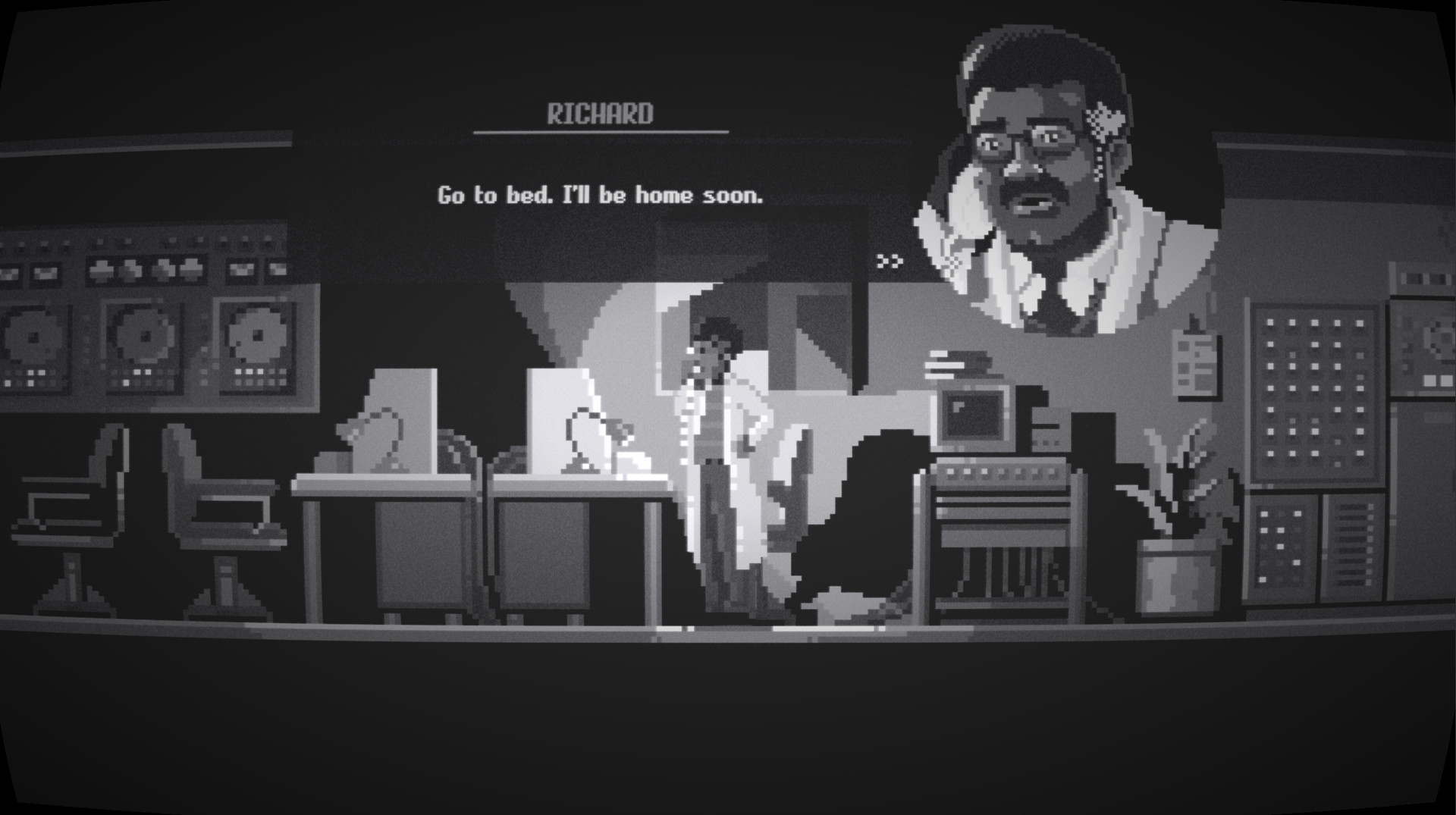
In tonight's episode of Midnight Scenes, we follow Dr. Richard P. Griffin during the scariest journey of his life. Welcome to a dimension of horror. Welcome to Midnight Scenes.
See extended info
This game is a bite-sized experience (~30 minutes of gameplay). Perfect for your coffee break!
In tonight's episode of Midnight Scenes, the future of humanity will fall on Dr. Griffin's shoulders.
Turn off the lights and enter the mysterious world of Midnight Scenes Episode 2.
This is the second in a series of short horror tales with adventure elements by Octavi Navarro, creator of the critically acclaimed games The Supper and The Librarian, and artist on games like Thimbleweed Park and Photographs.
- Story-driven point-and-click horror experience.
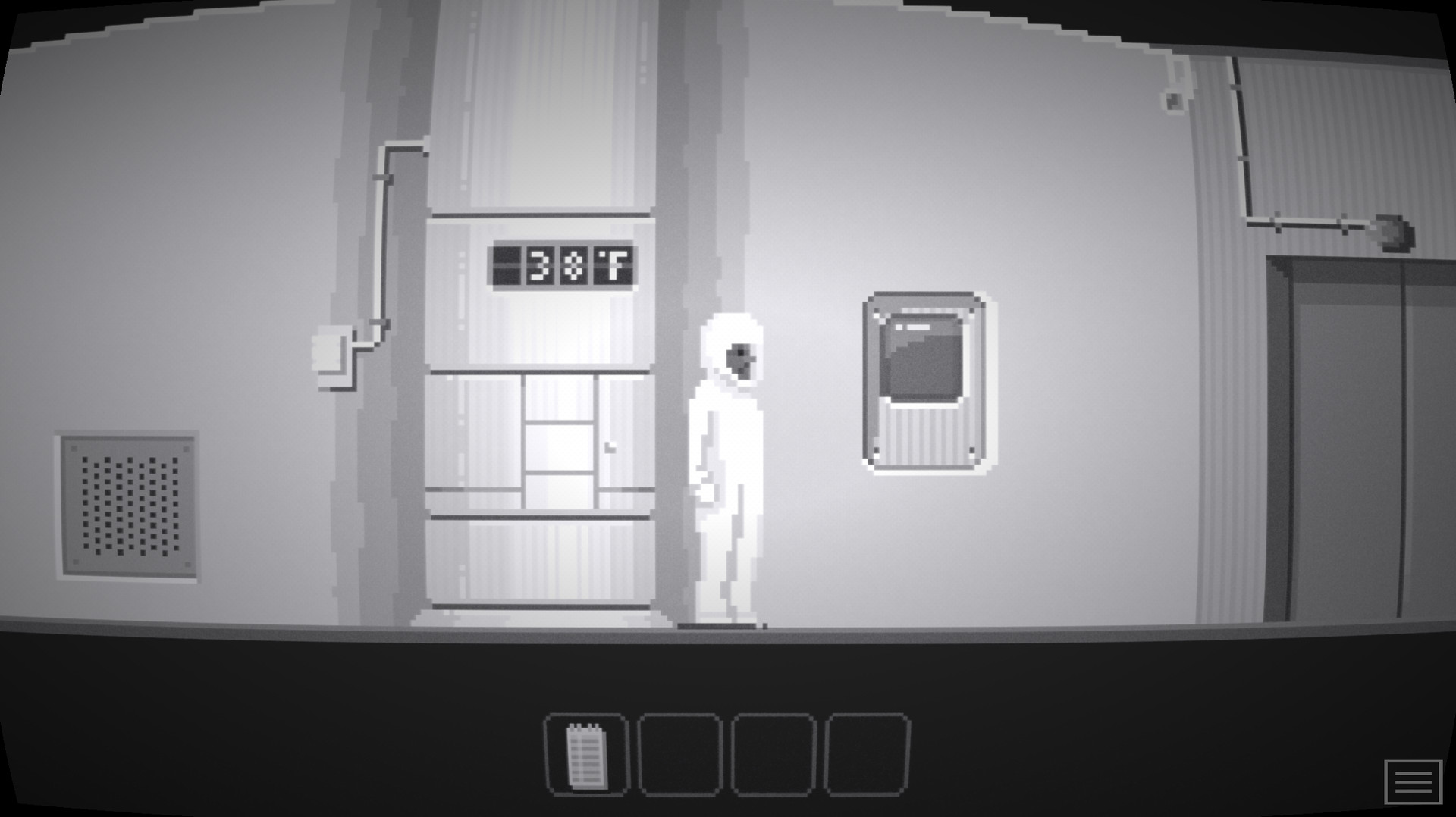
- Explore, interact with your surroundings, solve puzzles... and be very afraid!
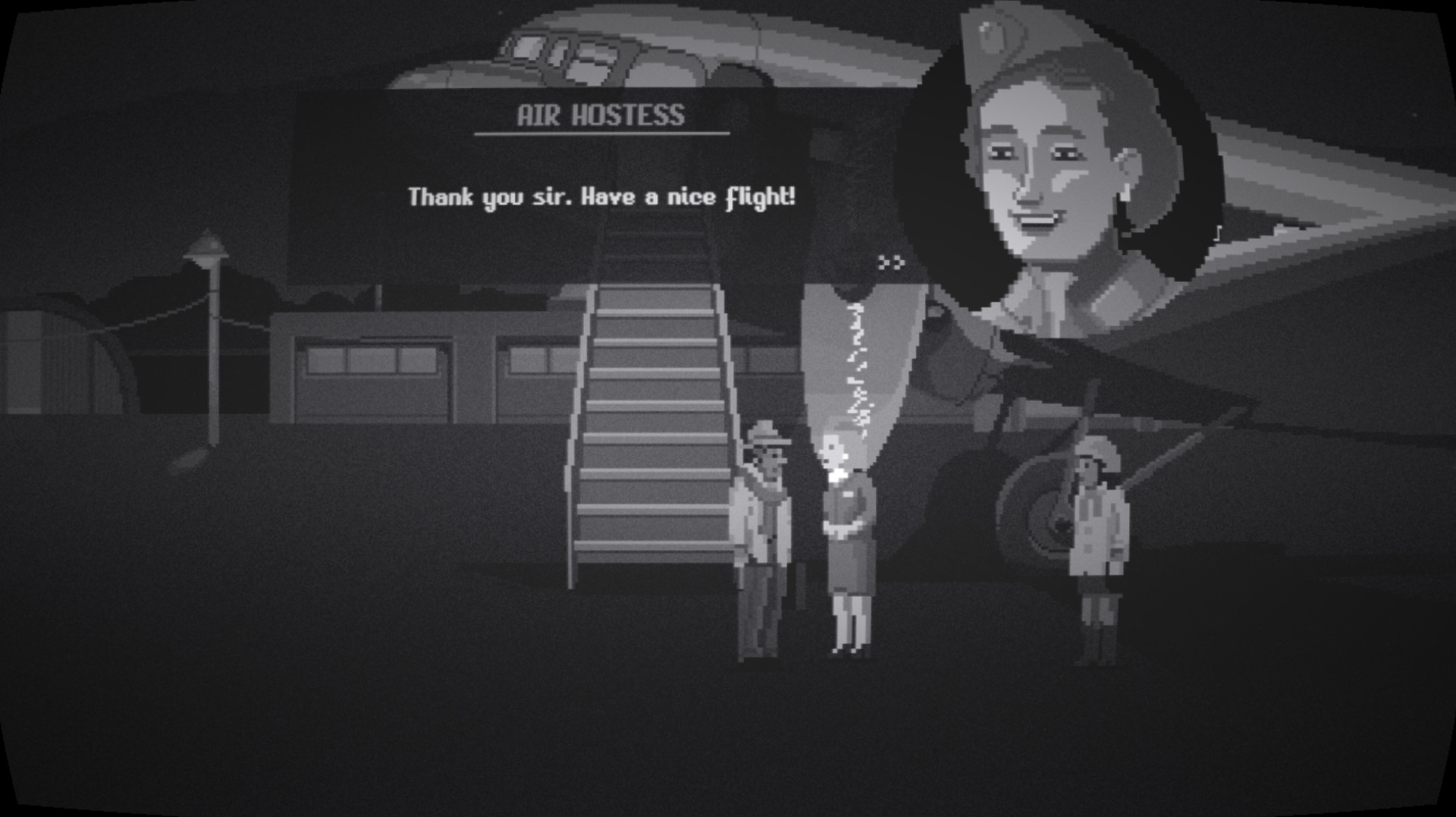
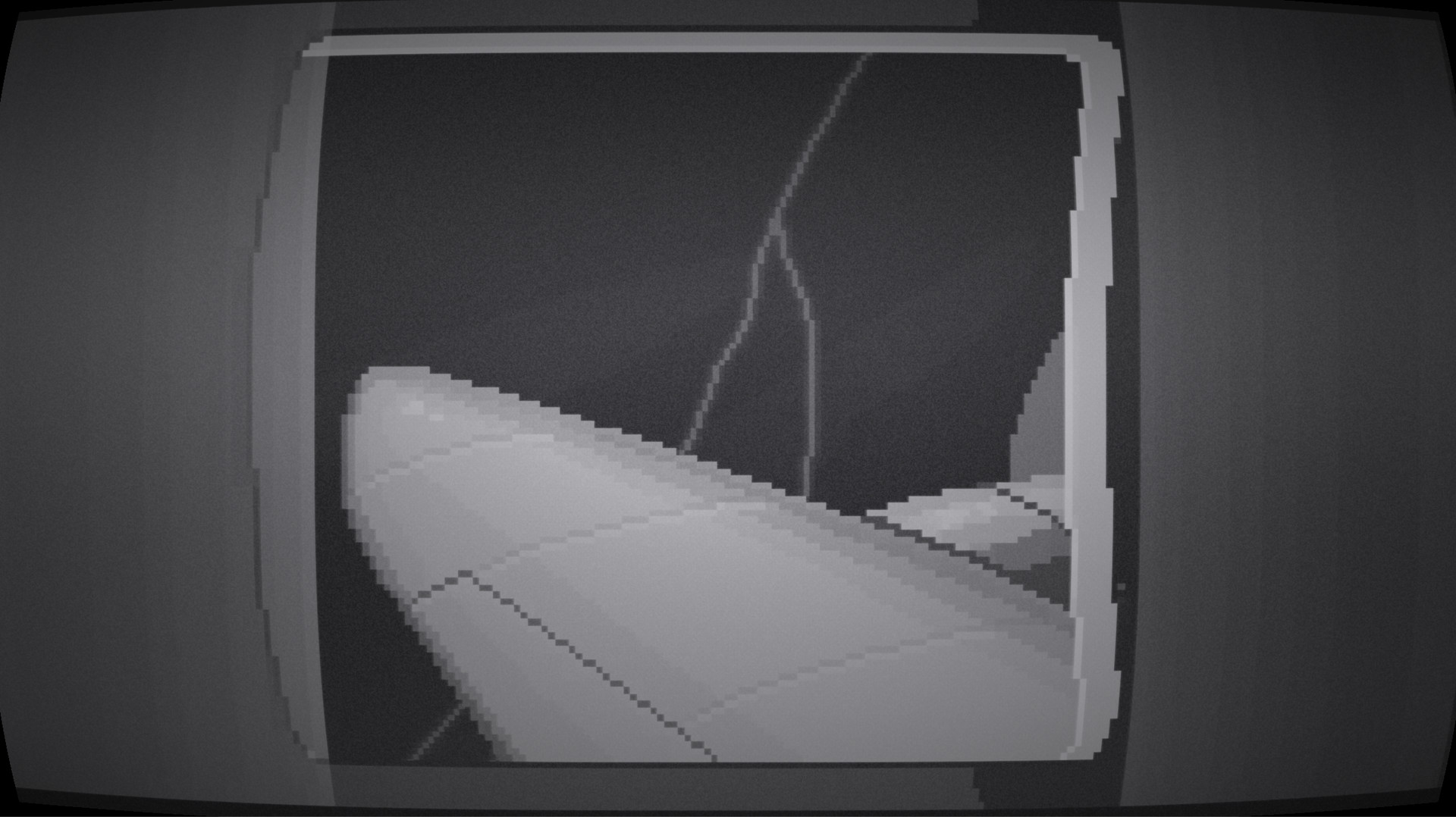
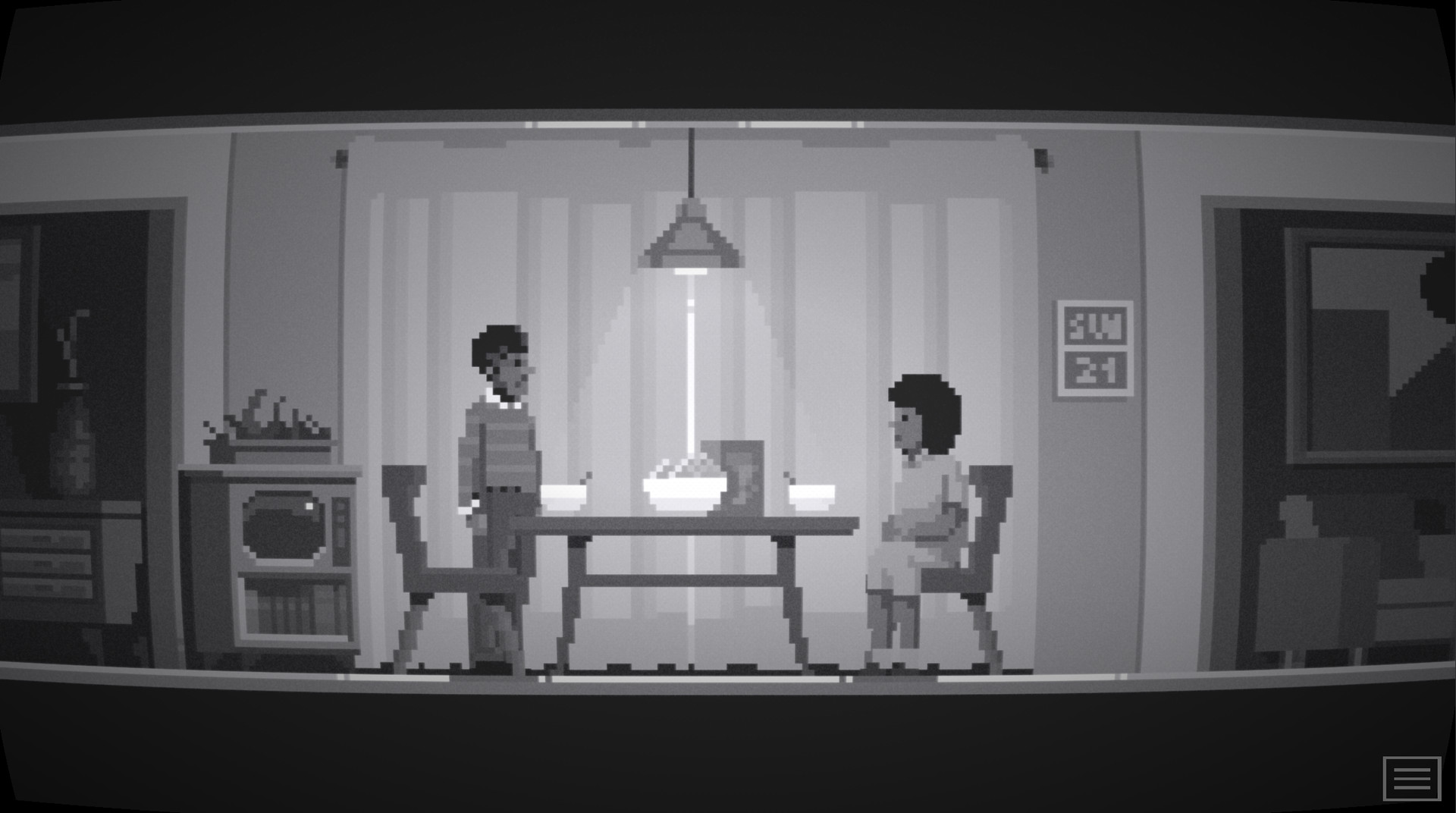
- Atmospheric black and white pixel art, inspired by horror and mystery shows from the 60s like The Twilight Zone and The Outer Limits.
- Eerie soundtrack.
- Atmospheric sound effects.
Have a good flight!
- Beautiful PDF Art Book from the game.
- Original soundtrack.
- Game localized to French, Italian, German, Spanish, Russian, Japanese, and Simplified Chinese.
To access this content please do the following...
1. Right-click the game in your Steam Library and select "Properties".
2. Under the "Local Files" tab, select “Browse Local Filesâ€.
3. Within the game's local files, locate the "extra_content" folder.
IMPORTANT NOTE: This game is currently incompatible with 64bit MacOS.
Links
Steam RAWGReleases
Screenshots
Videos
Credits
| Global | |
| Developer |
Other games in the franchise
See all games in this franchise