
¿Quieres añadir o editar tus datos en DeVuego? Entrar en DeVuego MODO: Edición_
Juego
¿Has visto algún dato que podamos mejorar?
Sugerir un cambio en esta ficha

Información / Sinopsis

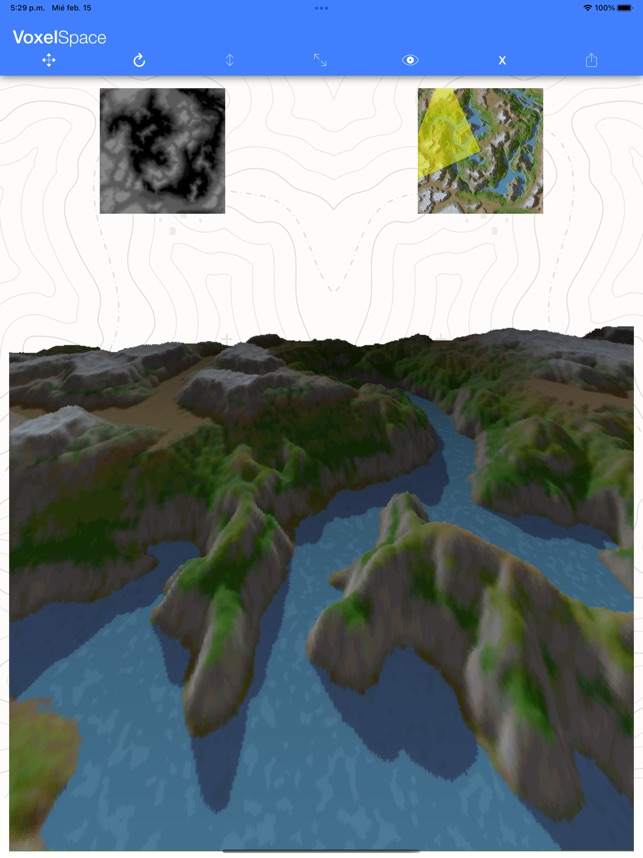
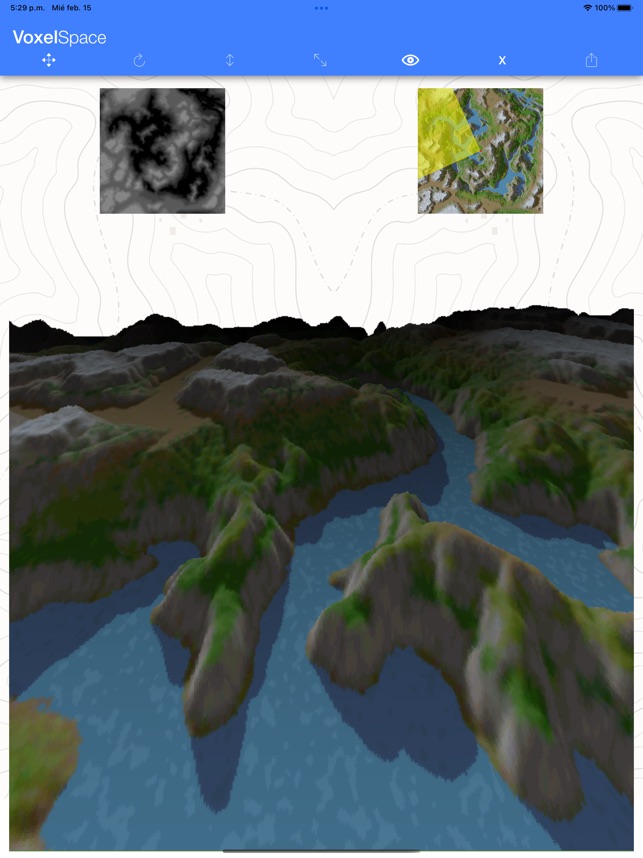
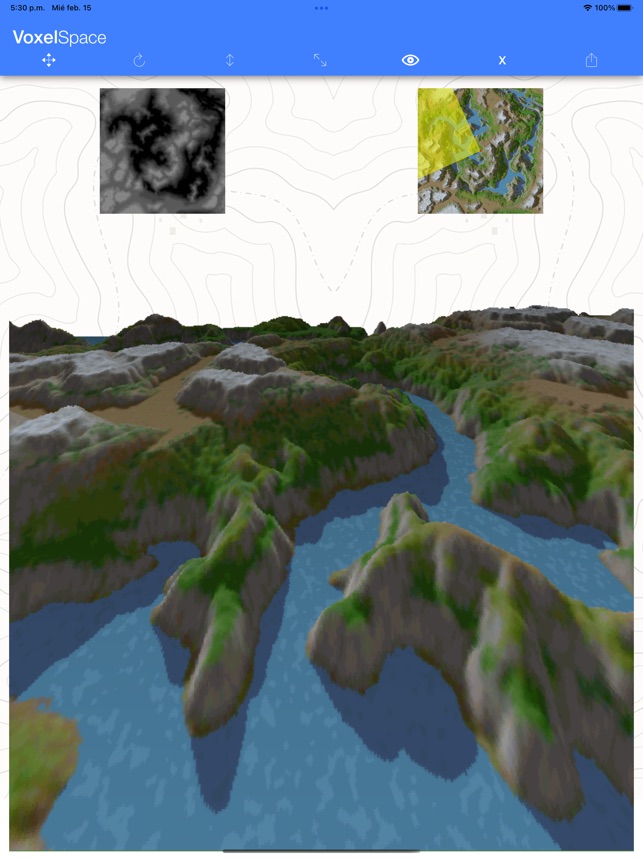
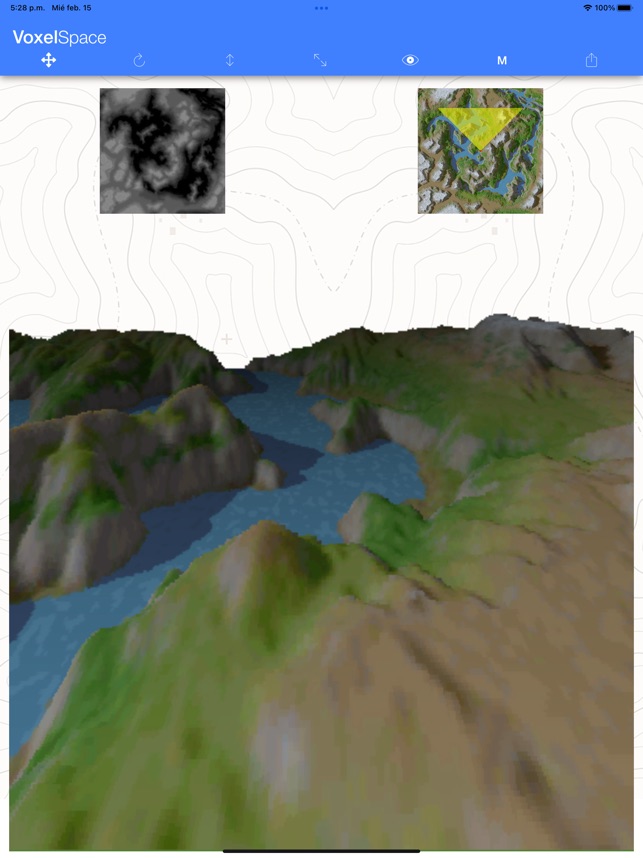
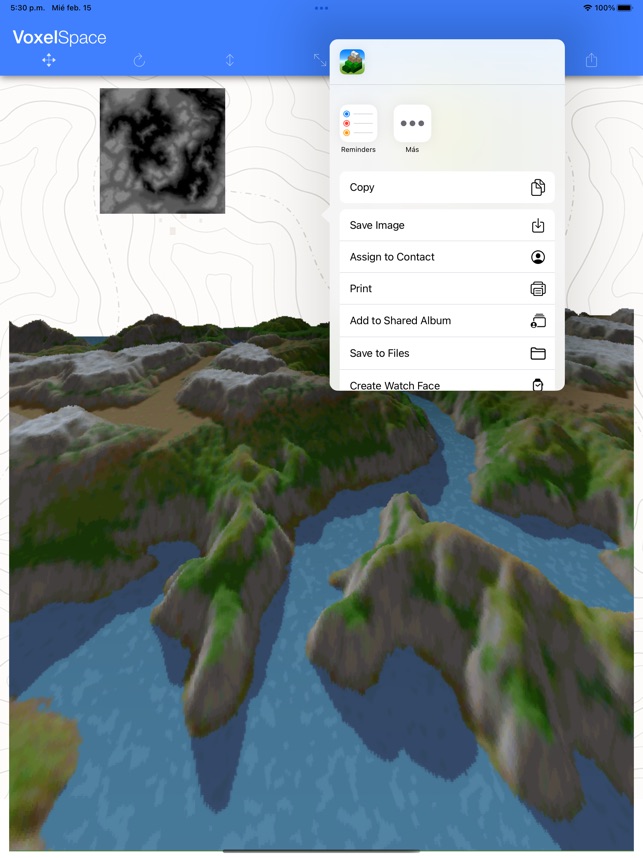
VoxelSpace ------------- VoxelSpace is an app for rendering landscapes based on a heightmap and a color map using voxels. · Tap the height map (grayscale, white being the highest and black the lowest) to select a heightmap. · Tap the color map to select the surface color map. Both maps must have the SAME DIMENSIONS. Once the maps are selected (you can try with the default ones), the camera position is displayed on the color map as a red dot and the field of view as a yellow triangle. The following controls can be used (listed in order of appearance from left to right): · Translation (cross arrows), used to move the camera forward/backward (by sliding your finger vertically on the render view), left/right (by sliding your finger horizontally on the render view). · Rotation (circular arrow), used to tilt the camera vertically (by sliding your finger vertically on the render view) and rotate the camera (by sliding your finger horizontally on the render view). · Elevation (vertical arrow), used to raise/lower the camera (by sliding your finger vertically on the render view). · Height exaggeration, used to increase/decrease the height representation (by sliding your finger vertically on the render view). · Depth of vision, used to increase the visibility range (by sliding your finger vertically on the render view) and make farther objects appear darker (by sliding your finger horizontally on the render view). · Render Quality, S - Small, M - Medium, L - Large, X - eXtra Large. · Export, allows you to share the rendered image (can be saved in the photo gallery). I hope you enjoy it!

  Lanzamientos


iOS 16 / 02 / 2023 Ivan Cerra De Castro «Nibble»
Comprar/Descargar en App Store

Géneros

Etiquetas

Visual

Información / Sinopsis

VoxelSpace ------------- VoxelSpace is an app for rendering landscapes based on a heightmap and a color map using voxels. · Tap the height map (grayscale, white being the highest and black the lowest) to select a heightmap. · Tap the color map to select the surface color map. Both maps must have the SAME DIMENSIONS. Once the maps are selected (you can try with the default ones), the camera position is displayed on the color map as a red dot and the field of view as a yellow triangle. The following controls can be used (listed in order of appearance from left to right): · Translation (cross arrows), used to move the camera forward/backward (by sliding your finger vertically on the render view), left/right (by sliding your finger horizontally on the render view). · Rotation (circular arrow), used to tilt the camera vertically (by sliding your finger vertically on the render view) and rotate the camera (by sliding your finger horizontally on the render view). · Elevation (vertical arrow), used to raise/lower the camera (by sliding your finger vertically on the render view). · Height exaggeration, used to increase/decrease the height representation (by sliding your finger vertically on the render view). · Depth of vision, used to increase the visibility range (by sliding your finger vertically on the render view) and make farther objects appear darker (by sliding your finger horizontally on the render view). · Render Quality, S - Small, M - Medium, L - Large, X - eXtra Large. · Export, allows you to share the rendered image (can be saved in the photo gallery). I hope you enjoy it!

Enlaces

App Store

  Lanzamientos


iOS 16/ 02 / 2023 Ivan Cerra De Castro «Nibble»
Comprar/Descargar en App Store

  Capturas

  Vídeos

Ver más contenidos en la sección de prensa